If you publish videos regularly, the bottleneck is rarely the editing. It’s the recording: the line you almost had, the intro you redid six times, the sponsored paragraph where you skipped a word that legally needed to be there.
A teleprompter moves that load from your memory to the screen. The script scrolls, you read it looking at the lens, and the take survives. This page explains how creators use NanoPrompter in a real workflow — setup, recording, and the habits that keep delivery natural.
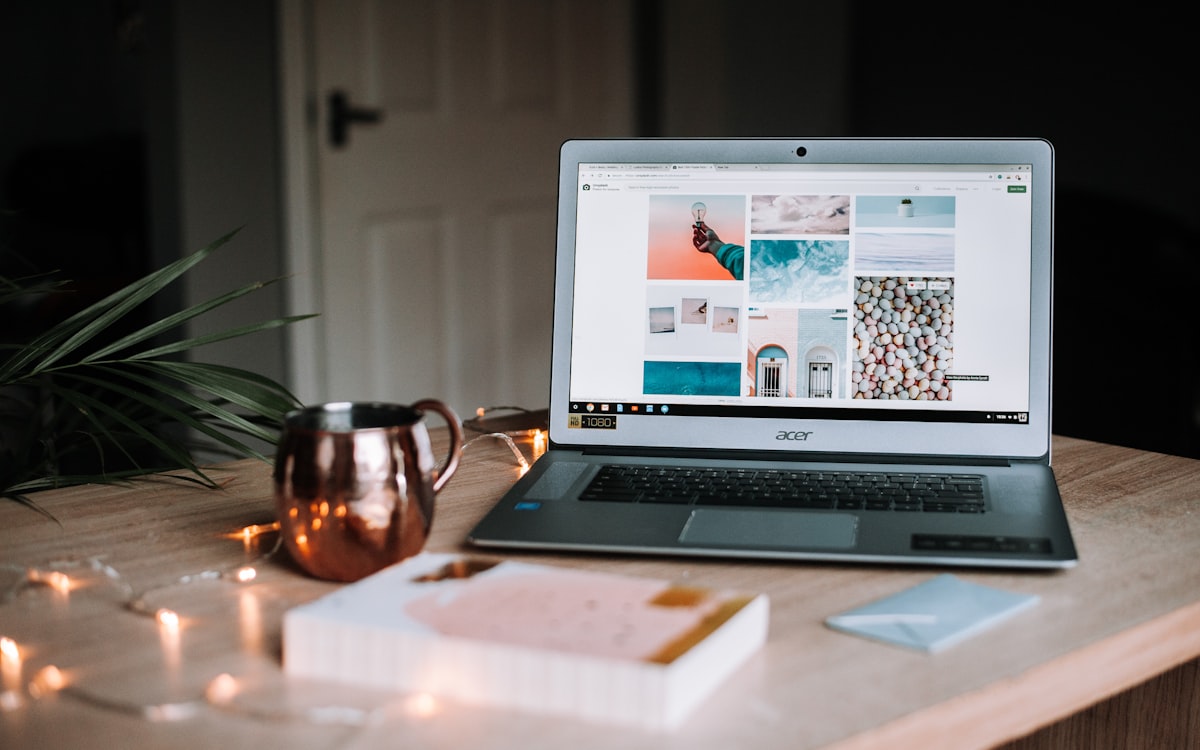
Why creators stop losing takes
Three things change the day you add a teleprompter to the workflow:
You stop memorizing. The mental budget you spent holding the next line goes to delivery instead — tone, emphasis, gestures. Most creators sound more natural with a prompter, not less, because they stop hunting for words.
Sponsored copy comes out right. Brand deals have required wording. Reading it from the screen guarantees the “this video is sponsored by…” paragraph lands complete, once, without three retakes.
Videos get shorter and tighter. A script has a length; improvisation doesn’t. When you write 400 words for a 3-minute video, you get a 3-minute video. Your retention graphs will notice.
The creators who struggle with prompters are usually fighting the script, not the tool. If that’s you, start with the script writing template — it solves 80% of “I sound robotic”.
The 3-step creator workflow
1. Write and format the script (10 minutes). Draft the video as spoken sentences — short lines, one idea each. Paste it into the editor and split paragraphs into one-sentence lines. Add blank lines where you want to breathe. Bold the words you tend to rush.
2. Set the rig and the speed (2 minutes). Camera at eye level — books under the laptop work. Browser window with the teleprompter right under the lens. Font big enough to read a full line without moving your eyes: start at 40–48 px. Then one dry run to set the scroll speed; our speed guide has the numbers by video type.
3. Record in two or three takes. Take one is warm-up. Take two is usually the keeper. If you fumble a line, don’t stop: pause, repeat the sentence, keep going — the edit cuts on the pause.
Creator-specific tricks
- Mirror mode for prompter glass. If you use a beam-splitter rig, one click flips the text. Details in the mirror mode page.
- Gamepad as remote. Camera far away? Change speed and font size mid-take with a controller instead of walking to the keyboard. See gamepad control.
- Reuse scripts across videos. Scripts stay in your browser’s local storage, so your intro and outro lines are always there, ready to paste.
- Share a script with an editor. Working with someone who cuts your videos? Send them the script with a password-protected link instead of a screenshot — see script sharing.
- Dark interface while recording. A bright white page reflects on your face. NanoPrompter’s dark mode keeps the reading view dim. Details in dark mode.
What you don’t need
No app to install, no account to create, no export format to learn. Open the editor, paste, press play. When a brand asks for changes at midnight, you reopen the tab and the script is still there — stored in your own browser, not in someone’s cloud.
Free also means free to try weird ideas: record a 30-second hook five different ways, read comments on camera, test two intros back to back. The tool stops being a decision and becomes a tab.
Start your next video
Write the script tonight, record it tomorrow in half the takes. The editor is one click away, and the first-time guide walks you through the reading habits if you’ve never used a prompter before.


